
Private inference: end-to-end encryption from your app to your GPU
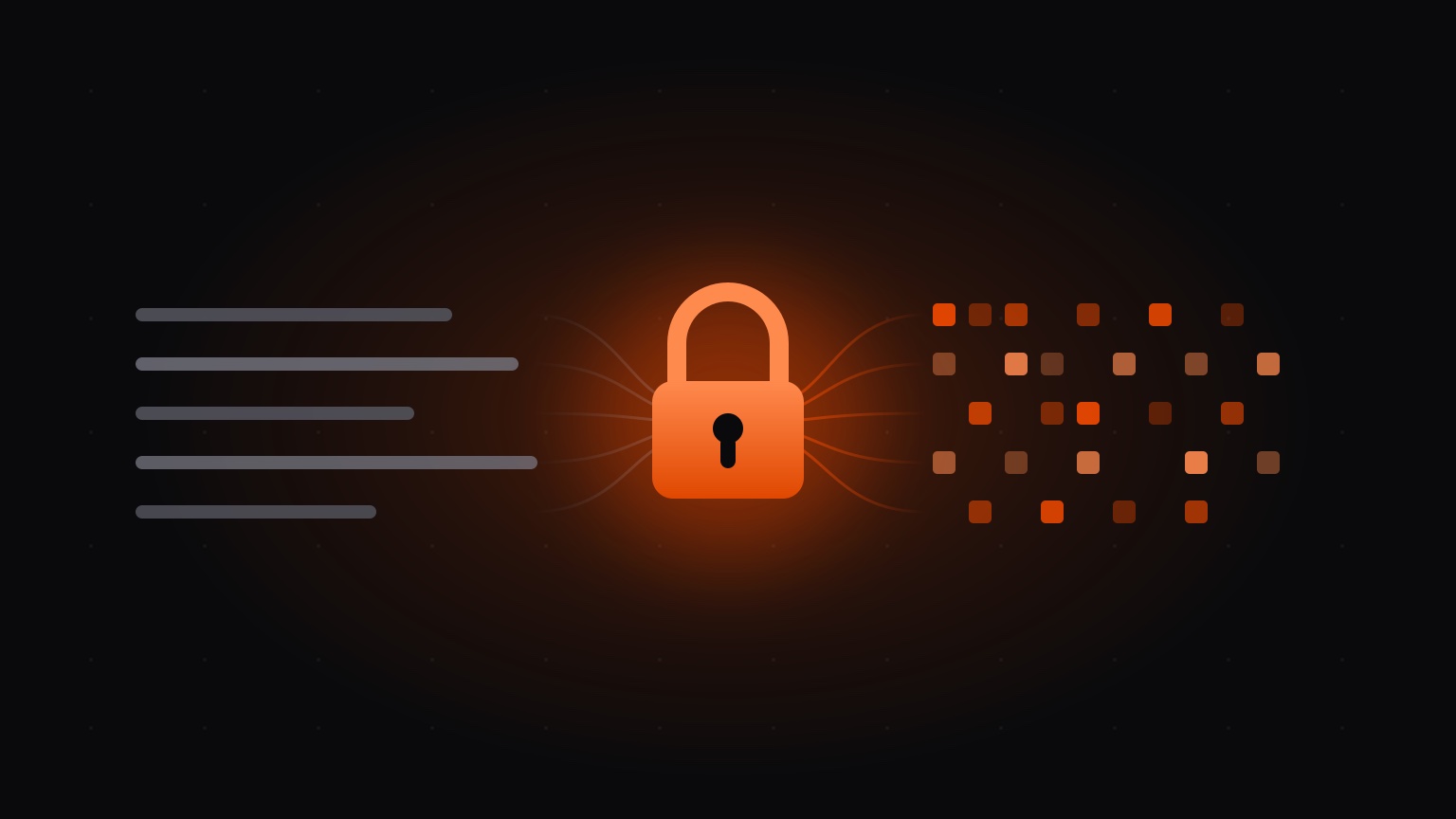
TLS protects a prompt on its way to an AI provider, then ends at the provider's front door. Whatever happens after that, you take on trust. Private inference closes that gap on Pendra. Your application encrypts each request before it leaves your process, and the only thing that can decrypt it is a GPU worker you run, holding a key only your workers ever see. Pendra carries ciphertext through the middle and cannot read it.
If you picked Pendra because your prompts contain things that must stay inside your organisation (contracts, patient notes, case files), this is the guarantee that backs it up. We cannot hand over what we never see.
How a request travels
With private inference on, the SDK fetches your organisation's public key and seals the whole request with it, from the messages and any tool definitions to the audio file itself when you transcribe. Two fields stay readable, the model name and the streaming flag, because the platform needs them to pick a worker. Both are repeated inside the sealed body, so a request that is tampered with or rerouted in transit fails to decrypt on the worker.
The worker decrypts the request in memory, runs the model on your hardware, and seals its response to a throwaway key your client minted for that one request. Streaming still works. Each chunk is encrypted on its own under a counter, so tokens arrive as they are generated and the client notices if any chunk is dropped, replayed or reordered.
Where the keys live
Three keys are involved, and Pendra holds none of them. The workload private key is created by the first worker you run and lives only in worker memory — it is never written to disk, on any machine. It is the only key that can open a request. When you add another worker, one that already holds the key seals it across and Pendra relays a package it cannot open, so the key moves only between your own workers. The workload public key is derived from it and safe to share, and sealing needs nothing else, which is why your client can encrypt without storing any secret. The reply key is a fresh keypair your client mints per request, keeping the private half in memory just long enough to decrypt the response. Pendra stores public keys and fingerprints, and that is the whole list.
It works like a locked postbox. Pendra hands your client the address and carries the sealed letter, and only your worker holds the key that opens it.
None of this is bespoke cryptography. Requests are sealed with HPKE (RFC 9180), the same public-key encryption standard used by TLS Encrypted Client Hello and Oblivious HTTP. The exact suite and wire format are written up in the docs for security review.
What Pendra can and cannot see
- Prompts and completions
- Uploaded audio and images
- Tool definitions and arguments
- Model id
- Token counts and timings
- Request and response sizes
The second list is what runs the service. The model id routes the request to a worker that can serve it, and the token counts and timings feed the usage page in your console. Each request in your usage logs also records the fingerprint of the key it was sealed to, so you can audit after the fact that traffic really was encrypted, and with which key.
Verify, then pin
One caveat deserves stating plainly. Your client fetches the workload
public key from Pendra, so a dishonest platform could in principle hand
back a key of its own. The defence is to check the fingerprint your worker
reports (pendra status) against the one shown on the console's
Encryption page, over a channel separate from the one you are securing,
then pin it in the client:
client = Pendra(private_inference={"pinned_fingerprint": "a7f3c0d2…e9c21"})Once pinned, the client seals only to that fingerprint. If the key ever changes, the request fails loudly instead of quietly sending your data somewhere new.
That makes pinning worth it when your fleet always has a worker running, because then the fingerprint never moves. Keys live in worker memory, so a fleet that drops to zero workers takes its key with it and the next worker to start creates a new one — a pinned client will refuse to seal until you update the pin. If you rent GPUs for a few hours at a time, or run a single machine that reboots, leave pinning off and let the client trust the key the server reports. The console tells you which of the two your fleet is.
Turning it on
There is nothing to install and no key to create. Start a worker and it creates your organisation's encryption key on its own; every worker you add after that is handed the same key by the fleet, including GPUs you rent from us. So there is one step, and it is in your application:
from pendra import Pendra

client = Pendra(private_inference=True)

response = client.chat.completions.create(
    model="qwen3.6:27b",
    messages=[{"role": "user", "content": "Summarise this contract."}],
)
Setting PENDRA_PRIVATE_INFERENCE=1 in the environment enables
it with no code change at all. From there the console shows you which way
each request actually went. Keyed workers carry a padlock, the Playground
marks every reply Encrypted or
Not encrypted, and the Usage page gains a per-request Key
column. When every worker you rely on has a key, flip the
Require E2E toggle and Pendra rejects plaintext requests
across your whole organisation.
Worker approval is a separate setting. Requiring E2E does not turn it on, and it is off unless you enable it. Switch on the Worker approval toggle on the Encryption page and a newly connected worker waits for you to approve it on the Workers page before it serves anything or receives your key. Workers already running when you turn it on are approved for you, and rented GPUs approve themselves (ordering one is the approval), so switching it on never interrupts what you have running.
The edges
- Private inference covers chat, text completions, embeddings, reranking, image generation and audio file transcription.
- Live microphone transcription streams over a separate connection and is not yet end-to-end encrypted. File uploads are.
- It is available on the Pro and Enterprise plans, and is rolling out to organisations now.
The full guide, covering how your fleet is keyed and how to verify a fingerprint, is in the private inference docs. If you run workloads that must never be readable by a provider, including us, get in touch.