
Image generation
Pendra generates images from text prompts using diffusion models, served through the OpenAI-compatible images endpoint. Install an image model once and you can generate from the API, the SDKs, or the Playground.
Generate an image
Send a model and a prompt. Results come back as
base64-encoded PNGs in data[].b64_json — decode and write
them to disk.
from pendra import Pendra
import base64, pathlib

client = Pendra()
result = client.images.generations.create(
    model="flux.1-schnell",
    prompt="A misty Welsh valley at dawn, painted in oils",
)
pathlib.Path("out.png").write_bytes(base64.b64decode(result.data[0].b64_json))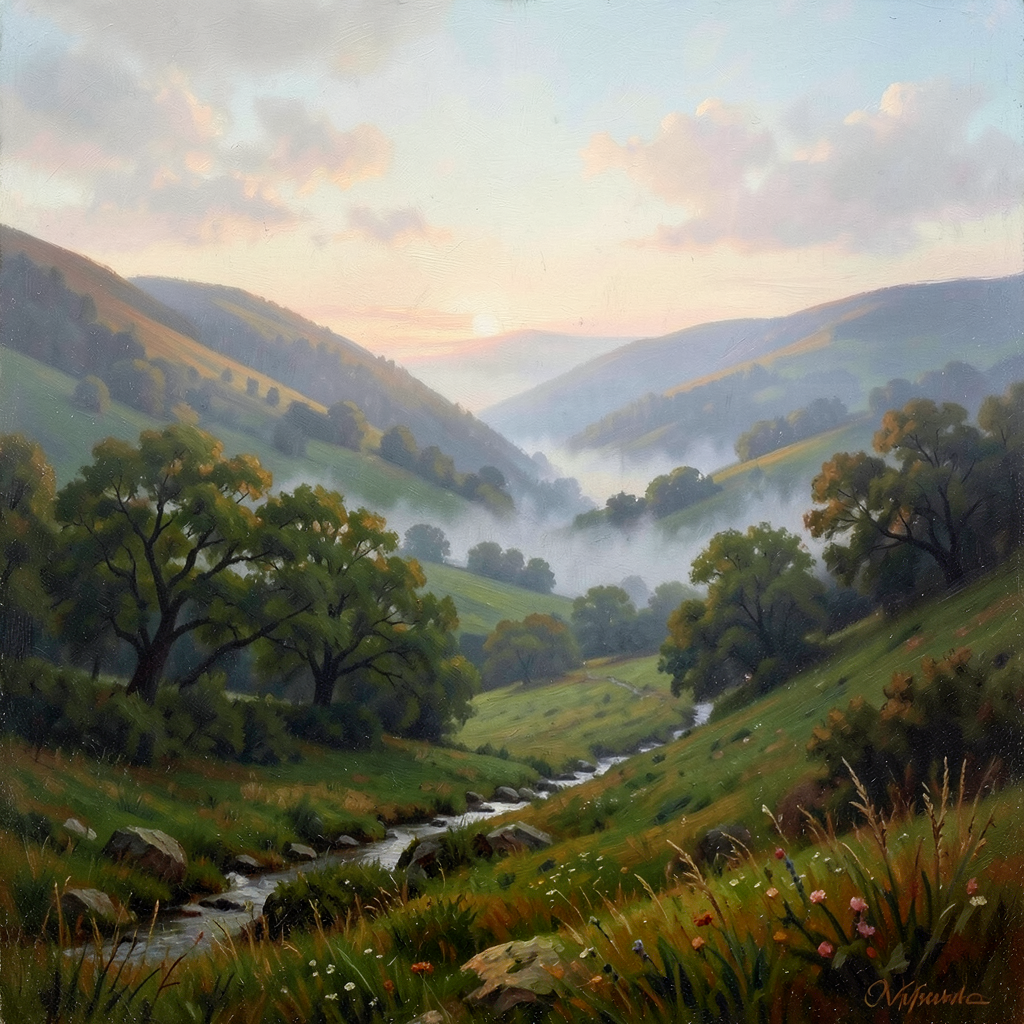
Available models
Several text-to-image models are one install away — for example:
sdxl-turbo— fast 1–4 step generation.flux.1-schnell— FLUX.1 [schnell], high quality (~10 GB).stable-diffusion-3.5-large-turbo— SD 3.5 Large Turbo.z-image-turbo— Z-Image Turbo, fast few-step generation.flux.2-klein— FLUX.2 [klein], in 4B and 9B sizes.qwen-image-2512— Qwen-Image 2512, strong at rendering text in images.
Browse what's available at /models?type=image.
Options
By default Pendra generates at each model's native resolution — the size
it was trained for, which gives the best quality, so you usually don't
need to set size at all. That's 512x512 for
sdxl-turbo and flux.2-klein, and
1024x1024 for flux.1-schnell,
z-image-turbo, qwen-image-2512, and
stable-diffusion-3.5-large-turbo. You can still request a
specific size (WxH) when you need a particular
shape — but note that generating far from a model's native resolution can
distort the result (for example, duplicated subjects).
Use num_inference_steps to trade speed for quality: more
steps generally means a sharper, more coherent image but a slower
generation. Like size, it defaults to each model's recommended
step count — the same number the console Playground's Steps slider starts
at, so a request from your code and one from the Playground render alike.
That is just 4 for sdxl-turbo,
flux.1-schnell, stable-diffusion-3.5-large-turbo
and flux.2-klein, which are built to converge in a handful of
steps, 8 for z-image-turbo and
krea-2-turbo, and 20 for
qwen-image-2512 — so you usually don't need to set it. It accepts
values from 1 to 50.
The same defaults apply with private inference:
Pendra can't read an encrypted request, so your worker fills them in. Keep
your workers up to date, as an older worker falls back to 4
steps on the "turbo" / "schnell" models and 30 on the rest.
Guidance strength — how hard the model is pushed towards your prompt — is
chosen per model too, and there is no parameter for it. The distilled
few-step models (the "turbo" and "schnell" models and
flux.2-klein) already have that guidance trained in, so Pendra
samples them gently; pushing them as hard as a standard checkpoint is what
makes their output look noisy and over-saturated. Standard checkpoints get
the stronger setting they expect.
Also tune n (up to 4 images), negative_prompt,
and seed for reproducibility. Generation is slower than chat
— expect a few to thirty seconds depending on model, size, and steps — so
render a spinner in interactive UIs.