
Vision
Vision-capable chat models can look at images as well as read text. Use them to describe photos, read diagrams and charts, pull text out of screenshots or scanned documents, or answer questions about a picture.
Send an image
Images travel as image_url content parts inside a normal
chat message, exactly as in the OpenAI API. Mix as much text and as many
images as the model allows in a single message.
from pendra import Pendra

client = Pendra()

response = client.chat.completions.create(
    model="qwen3-vl:8b",
    messages=[{
        "role": "user",
        "content": [
            {"type": "text", "text": "What's in this image?"},
            {"type": "image_url",
             "image_url": {"url": "data:image/png;base64,iVBORw0..."}},
        ],
    }],
)
print(response.choices[0].message.content)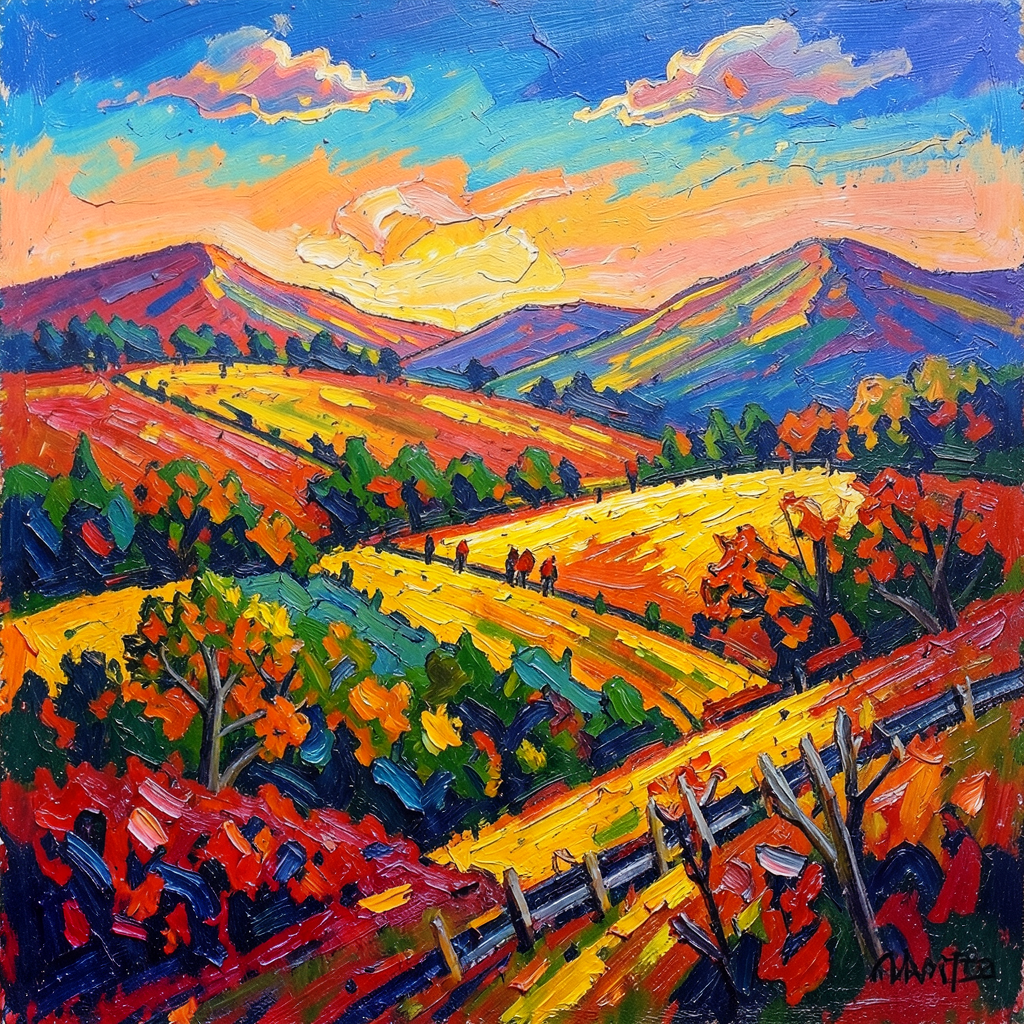
A vivid impressionist oil painting of rolling hills at sunset, built up in thick palette-knife strokes of orange, yellow, and blue. A winding path leads through fields towards the hills, with a few small figures walking along it and autumn trees and a wooden fence in the foreground.
How images are accepted
-
Base64 data URIs (
data:image/png;base64,…) work out of the box — the most common and most private option, since the image never leaves your request. -
Remote
http(s)URLs are opt-in on self-hosted workers (the worker would otherwise fetch arbitrary URLs from inside your network). When enabled, fetches are restricted to public hosts and are size- and time-bounded.
A model is vision-capable when it advertises the vision
capability in the model list — installing
a vision model from the catalogue sets this up for you. Sending an image
to a model that can't see it returns a clear error rather than a blind
guess.
Big vision models on multi-GPU workers
On a worker with several GPUs, a vision model too big to fit one card is spread across the cards — the model and its image understanding both run split across your GPUs, using their combined memory. Chat, coding, tool use, and image input all keep working, at full speed as long as the model fits in the cards' combined memory — one right at that limit runs partly on the CPU (slower, but still serving), the same as any oversized model. This is automatic; there's nothing to configure.
If a model shows Vision crossed out
On the Workers page, a model whose Vision chip is dimmed and crossed out can't accept images on that worker. Hover it to see why. One reason is that the worker doesn't have the model's image projector, the extra file a model needs to see; that happens to models installed before the projector became available for them, and reinstalling the model on that worker brings the projector down with it.
The other is that the worker can't run that particular model's image projector. A few models ship a kind of projector Pendra doesn't support yet, so rather than risk it the worker serves the model as text only. This one is usually specific to one size of a model, so another size of the same model may well accept images — and a later worker update restores it when support lands.
In every case the model still answers text normally, and
the model list stops advertising
vision for it — so a client checking capabilities before
sending an image gets the right answer instead of an error.