
OCR
OCR (optical character recognition) reads the text in an image and returns it as plain text. Reach for it on scanned documents, PDFs exported to images, screenshots, receipts, forms, or photographs of a page — anywhere the words live inside a picture rather than as selectable text.
Read text from an image
OCR models are vision models specialised for documents, so you call them
the same way you call vision — send
the image as an image_url content part on a chat message and
ask for the text. The model returns the transcription as the message
content.
Because they're built to read text, OCR models may not answer a general
question about an image, such as “what colour is this?”. When the model
has nothing to say, you get a 422 error saying it produced no
output, not an empty reply. Ask it to extract the text instead, or send
the question to a general-purpose
vision model. The error only
affects that request: your worker keeps serving everything else.
Send one page per request rather than a running conversation. Every image
in a request is read again, and each one takes up part of the model's
context window, so earlier pages only slow the request down. The
Playground's Document OCR mode works this way: each send carries just the
image you attached. If the images don't fit in the context window, you get
a 400 error saying the prompt exceeds it. Send fewer or
smaller images, or raise the model's context size on your worker.
Leave temperature unset unless you have a reason to change it.
Pendra then uses the model's recommended setting, which for some OCR models
is 0 (always the most likely next token), shown as
sampling_defaults in the models list.
At higher temperatures an OCR model can drift off the text and repeat
itself until the context window is full. A reply that stops that way ends
with finish_reason: "length" and a
context_window_exhausted notice (see
Chat completions).
from pendra import Pendra

client = Pendra()

response = client.chat.completions.create(
    model="glm-ocr",
    messages=[{
        "role": "user",
        "content": [
            {"type": "text", "text": "Extract all text from this image."},
            {"type": "image_url",
             "image_url": {"url": "data:image/png;base64,iVBORw0..."}},
        ],
    }],
)
print(response.choices[0].message.content)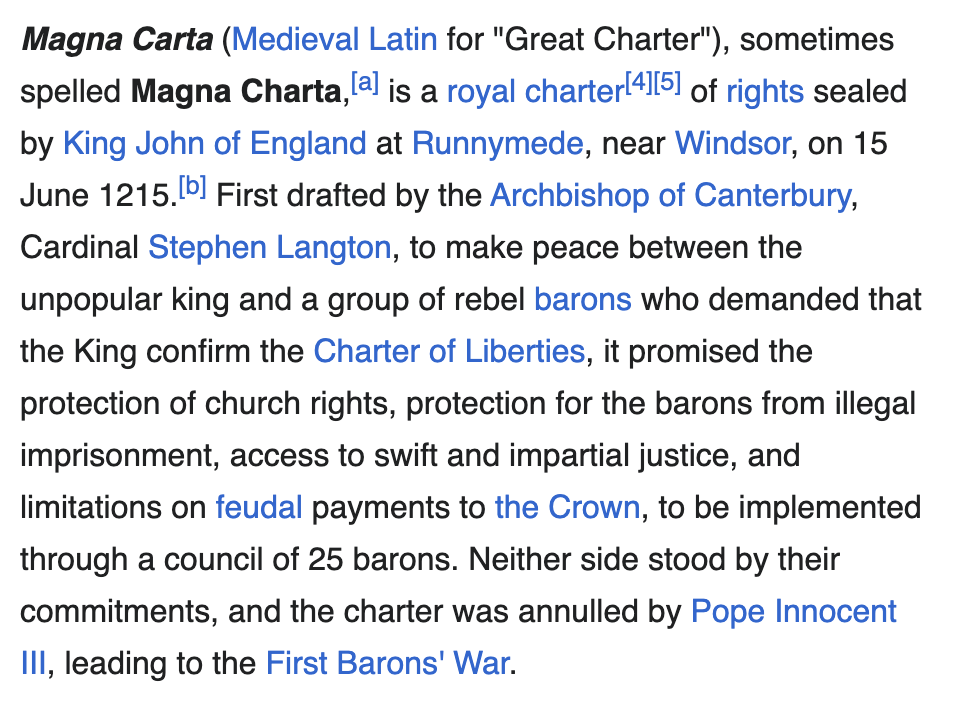
Magna Carta (Medieval Latin for "Great Charter"), sometimes spelled Magna Charta, is a royal charter of rights agreed to by King John of England at Runnymede, near Windsor, on 15 June 1215. First drafted by the Archbishop of Canterbury, Cardinal Stephen Langton, to make peace between the unpopular king and a group of rebel barons…
Choosing a model
OCR models advertise the ocr capability — for example
glm-ocr. Browse the ones available to you at
/models?type=ocr, or install one from the
catalogue in the console. Because OCR models are also vision models, they
can answer questions about a document as well as transcribe it — ask for a
summary, a specific field, or the text in a particular language.